
GNU Guix is a distro, package manager, and operating system from the GNU project that proposes a radically different approach from most GNU/Linux distributions. It is based on functional management (Guix System), focusing on reproducibility, isolation, and total system control by the user.
Similar to NixOS, it uses the GNU Guile (Scheme) language to define packages, services, and the entire system configuration.
Features:
- The output depends only on the inputs.
- There are no side effects on the system.
- Each package is installed in a unique directory in
/gnu/store. - Nothing overwrites anything.
- Different versions of the same software coexist without conflict.
- Instant rollback.
- Independent profiles.
GNU Guix is widely used for: Scientific Research, DevOps, and Security Auditing.
Guix strictly adheres to the Free Software Foundation guidelines, solidifying: Free Software Freedom.
GNU Guix is not for those who want to “just install and use”; it’s for those who want control, predictability, and truly declarative systems.
If you see the operating system as code, Guix makes more sense than any traditional distro.
Download and Installation
You can download the .iso from the GNU Guix Downloads page. Choose the alternative that suits your interest. If you are installing on your physical machine, choose the first option: GNU Guix System (version) 64-bit (x86_64) or 32-bit (i686).
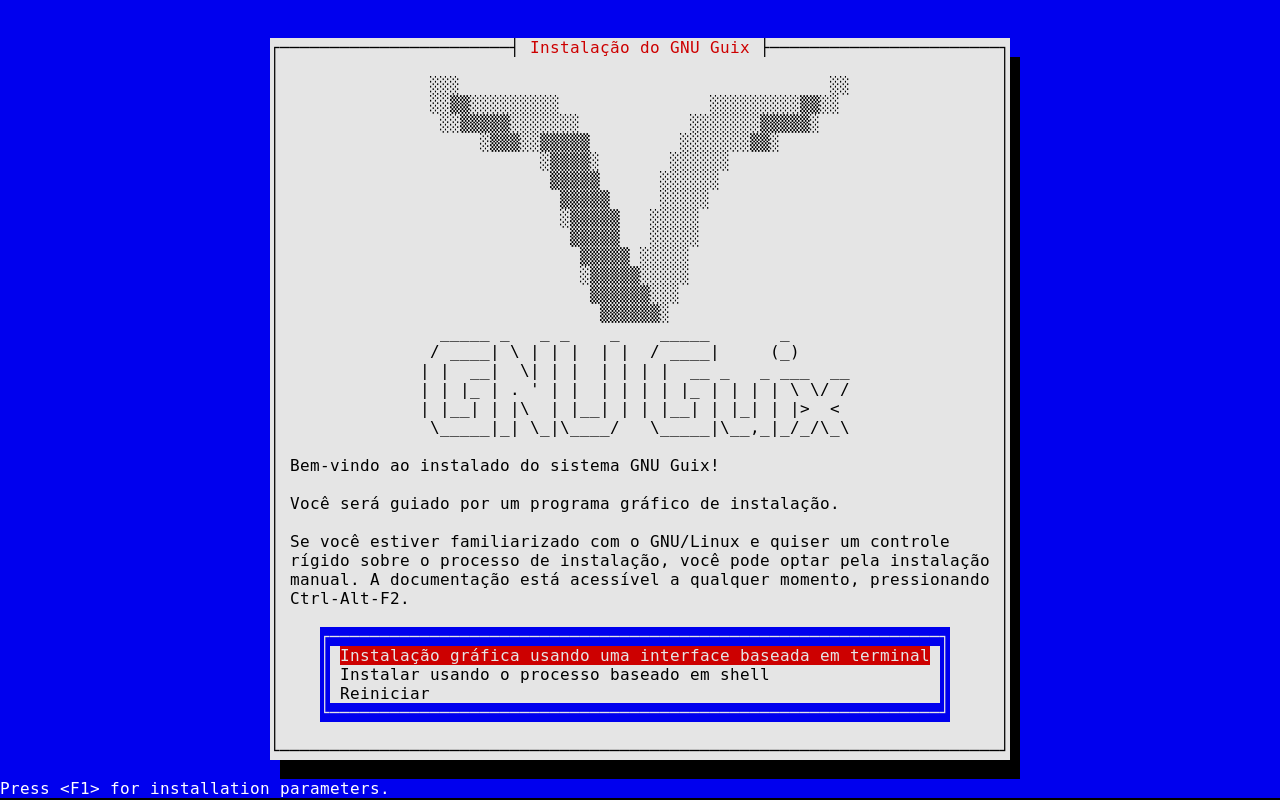
After booting from the .iso file, just follow the steps to install, which, by the way, is quite intuitive. The first screen will be this one. If you want ease, just choose the option using graphical mode:
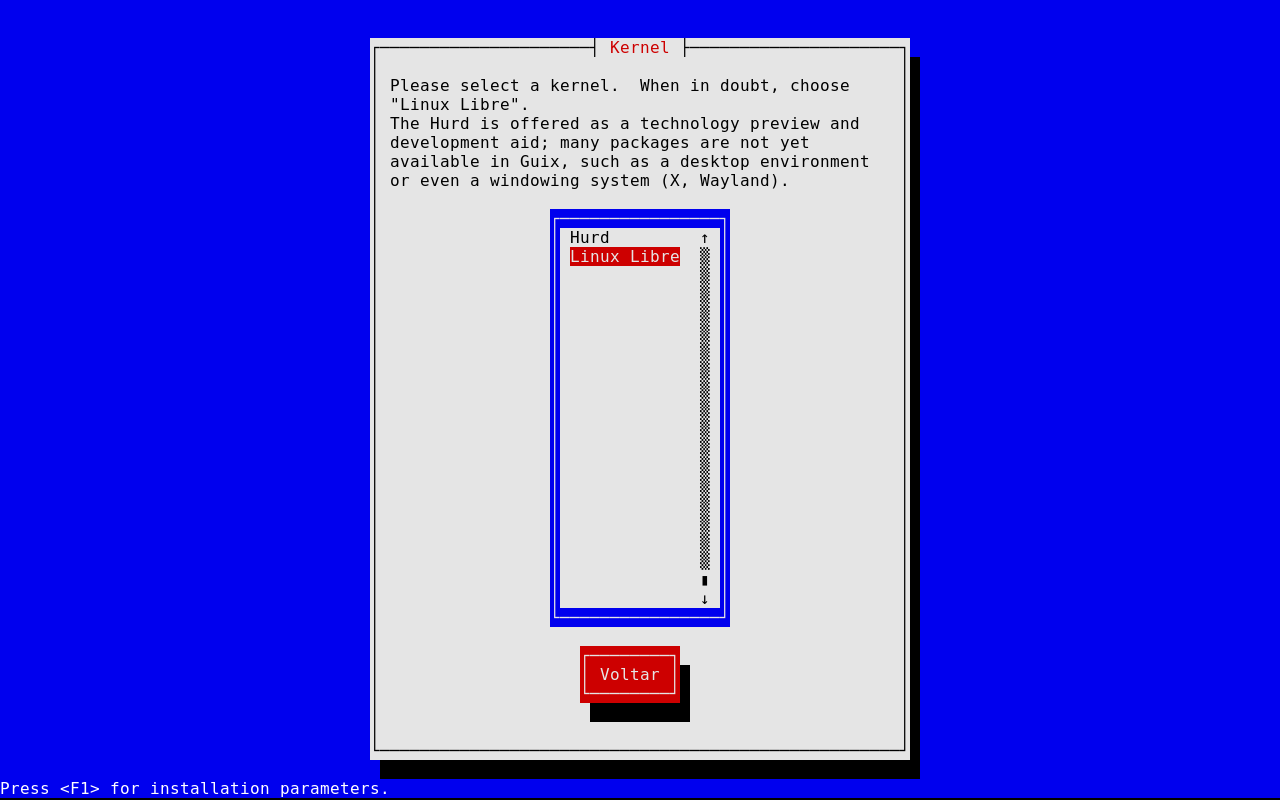
GNU Guix does not use the commercial Linux Kernel but offers you two types of Kernels:
- GNU Hurd, a kernel that is not yet finished but functional, which separates tasks. Since Linux is considered a systemd (like a multifunction printer) of kernels—it performs many tasks, which is considered a bad idea by many (including Tanenbaum, the creator of Minix, which inspired Linux);
- and also GNU Linux-libre, an operating system kernel cleaned of all binary blobs containing private firmware, some of them even created by the NSA.
The selection screen is this one:
Choosing the Graphical Environment
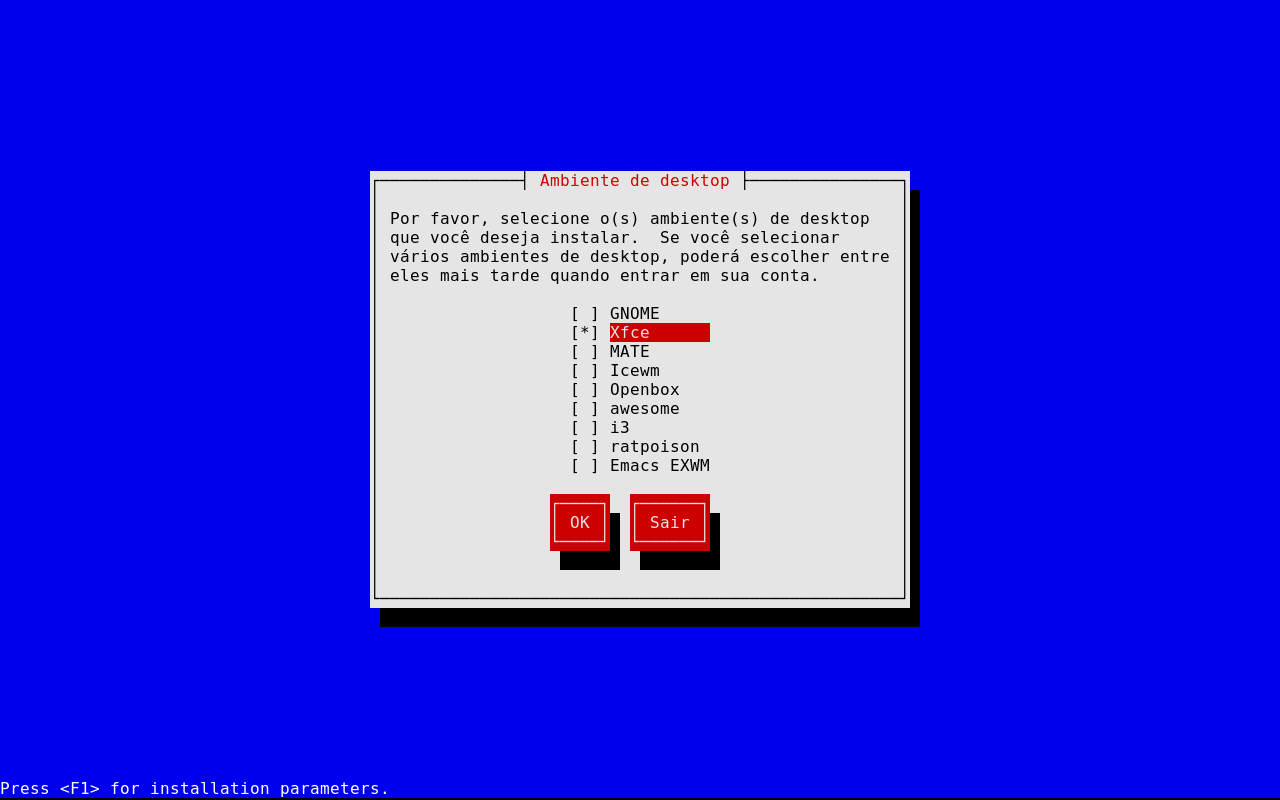
During installation, you can also define your Desktop Environment or Window Manager, or even install your own (e.g., KDE Plasma), which is not in the list later, but already on this screen there are options: GNOME, XFCE, MATE, Icewm, Openbox, AwesomeWM, i3, Ratpoison, and Emacs EXWM:
After these basic choices, just partition your disk as desired and start the installation process… and then, after the reboot, just choose the system automatically in GRUB:

Usage
To install anything, just use the guix command without sudo. Example, installing Vim:
guix install vimRemember that GNU Guix offers independent profiles, so Vim will only be available for your user.
If you want to install globally, add the vim package to the packages section of operating-system in the path: /etc/config.scm, example of inclusion on the append line:
(use-modules (gnu))

(operating-system
  ;; ...
  (packages
   (append
    (list vim)
    %base-packages)))
If you need to reconfigure to see it:
sudo guix system reconfigure /etc/config.scm
Then just install with sudo:
sudo guix install vimThe package list has everything: GNU GCC, GNU Make, Clang/LLVM, CMake, … For all packages, see:
https://packages.guix.gnu.org/
Or here: https://hpc.guix.info/browse.
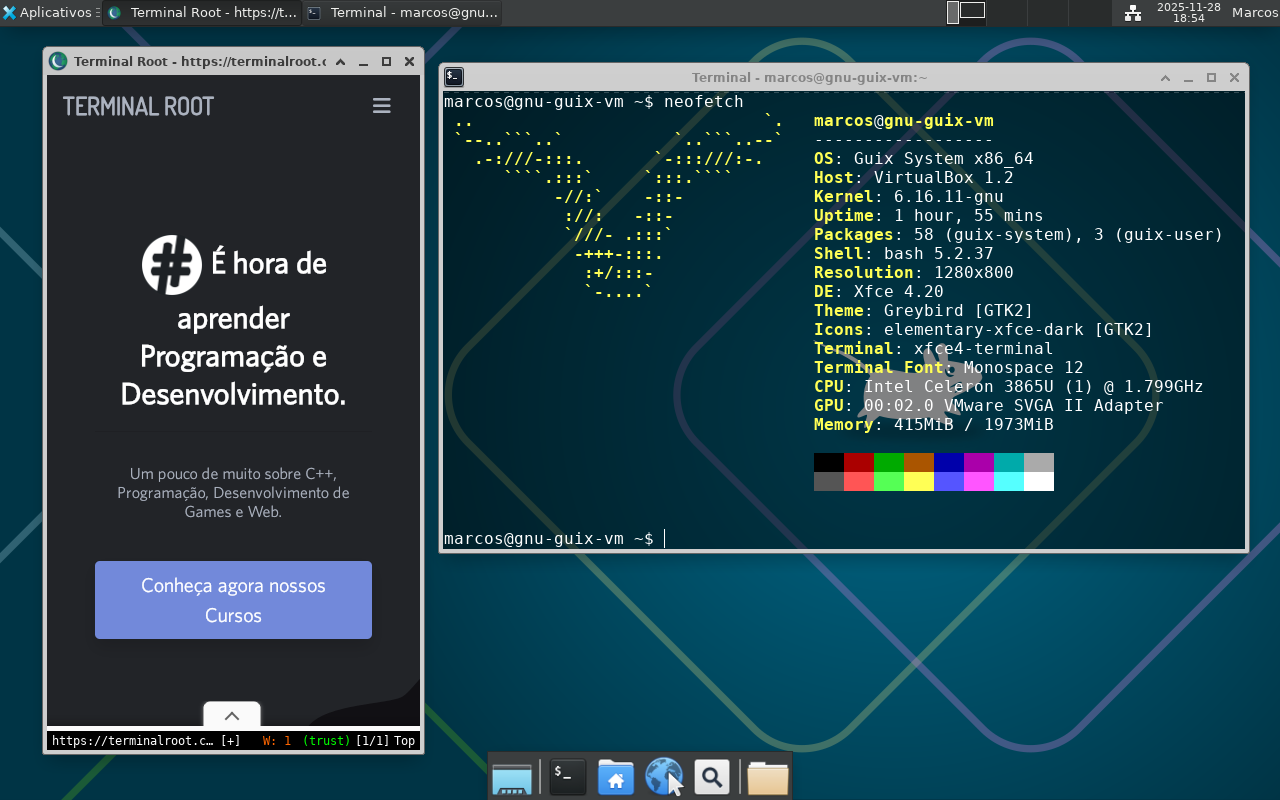
For more information, visit: https://guix.gnu.org/