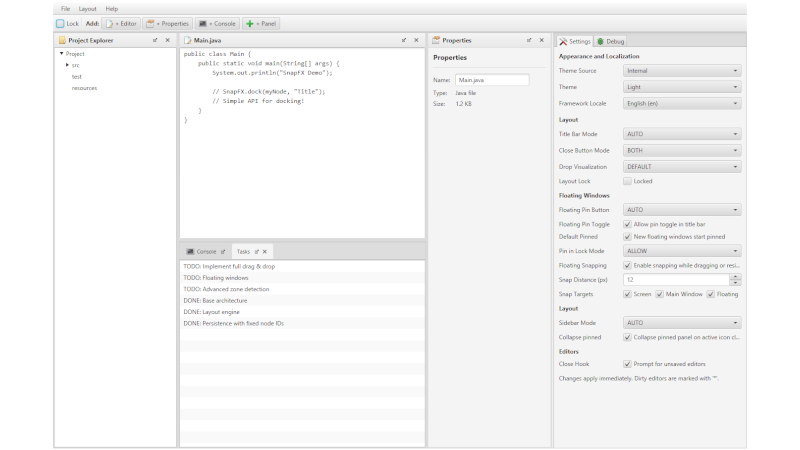
SnapFX is a docking framework for JavaFX, focused on creating flexible interfaces in the style of:
- IntelliJ / VS Code
- IDEs in general
- tools with multiple panels
Lightweight and modern, designed for dynamic and organized layouts, without you having to reinvent drag & drop for windows.
Installation
Via Gradle
implementation("org.snapfx:snapfx-core:<version>")Build:
git clone https://github.com/Beowolve/SnapFX.git
./gradlew publishToMavenLocal
Simple Example:
import org.snapfx.SnapFX;
import javafx.application.Application;
import javafx.scene.Scene;
import javafx.scene.control.TextArea;
import javafx.stage.Stage;

public class SimpleDemo extends Application {
    @Override
    public void start(Stage stage) {
        SnapFX snapFX = new SnapFX();

        // Dock nodes
        snapFX.dock(new TextArea("Editor 1"), "Editor");
        snapFX.dock(new TextArea("Console"), "Console");

        // Build layout
        Scene scene = new Scene(snapFX.buildLayout(), 800, 600);

        stage.setScene(scene);
        snapFX.initialize(stage);
        // Optional: switch theme at runtime via named catalog entry
        // snapFX.setThemeStylesheet(SnapFX.getAvailableThemeStylesheets().get("Dark"));
        stage.show();
    }
}
For more information, visit the repository.