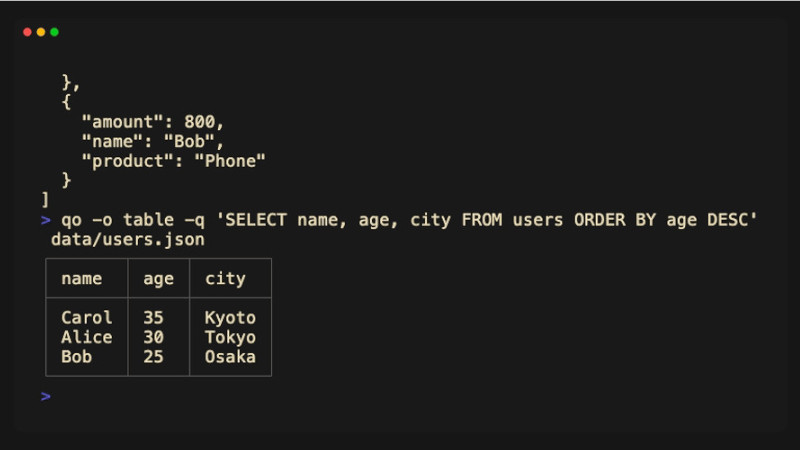
qo is a command-line tool written in Go that allows you to run SQL queries on structured data. It features an interactive TUI (Terminal User Interface) where you write your query and see results in real time, and it also works seamlessly in Unix pipelines.
Its main features include:
- Query JSON, CSV, and TSV files.
- Uses SQL syntax based on SQLite.
- Interactive interface for quickly testing queries.
- Works in pipelines (
stdin→stdout). - Open-source project written in Go under the MIT license.
Installation
Using brew:
brew install qoUsing Go itself:
go install github.com/kiki-ki/go-qo/cmd/qo@latestYou can also compile the project directly from the source code available on GitHub.
Basic Usage
Imagine a users.json file containing a list of users.
You can open the interactive interface:
qo users.jsonOr run a query directly:
qo users.json "SELECT name, age FROM data WHERE age >= 18"Since the tool works well with pipelines, you can also do:
cat users.json | qoThe SQL syntax makes operations like these easy:
SELECTWHEREORDER BYGROUP BYJOIN(when applicable to the data)
This makes exploring files much more intuitive for those already familiar with SQL.
For more information, visit the repository.