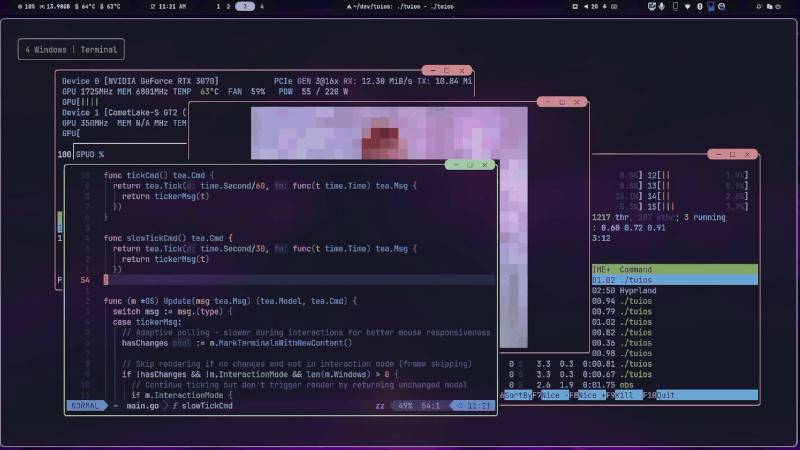
TUIOS is a terminal multiplexer and window manager that allows you to create multiple terminals and organize them in side-by-side layouts (BSP tiling).
Installation
The project offers several installation methods:
Homebrew
brew install tuiosGo
go install github.com/Gaurav-Gosain/tuios/cmd/tuios@latestInstallation script
curl -fsSL https://raw.githubusercontent.com/Gaurav-Gosain/tuios/main/install.sh | bashThere are also pre-built binaries available for download and an official Docker image. The main requirement is to use a modern terminal with True Color support, with Ghostty, Kitty, and WezTerm being some of the recommended options.
Basic Usage
After installing, simply start TUIOS:
tuiosSome useful shortcuts:
n→ creates a new terminal.Ctrl + P→ opens the command palette.Esc→ returns to window management mode.z→ maximizes/restores the current panel.Ctrl + B→ prefix key for advanced commands.
You can also create persistent sessions:
tuios new my-session
tuios attach my-session
This way, you can close the terminal and resume exactly where you left off later.

For more information, visit the repository: https://github.com/Gaurav-Gosain/tuios